
Step-by-step guide
How to Block a Number on iPhone and Android
Short answer
Both phones let you block a specific number straight from your recent calls or contacts. That stops that one number from ringing you again. It does not stop spammers who switch numbers, so this page also shows what blocking really does and what to pair it with.
Show me the block stepsWe never ask for your number or contacts. You do this in your own phone's settings.
- Your phone's own tools
- Every step uses the built-in Phone app on iPhone or Android, or your carrier's own app.
- Defense, not lookup
- This helps you block and report calls you received; it can't identify who owns a number.
- Independent guide
- CallerCheck isn't affiliated with Apple, Google, or any carrier; menus change, so follow what your screen shows.
Block, silence, or report: which tool does which job
Blocking one number, silencing all unknowns, and carrier scam-blocking are three different tools.
Scroll the table sideways on a small screen.
| Option | Block one number | Silence or filter unknown callers | Auto-block known scam calls | Report a call as spam |
|---|---|---|---|---|
| iPhone (built-in) |
Supported
Recents or a contact card, then Block Caller. |
Supported
Screen Unknown Callers (Silence Unknown Callers on older iOS) can send unsaved numbers to voicemail. |
Conditions apply
Call Filtering can sort suspected spam into a Spam list; labeling depends on your carrier and iOS version. |
Not available
No built-in report-a-spam-call button; use your carrier's app or the FTC. |
| Android (Phone by Google) |
Supported
Tap the call in Recents, then Block or Report spam. |
Conditions apply
Filter spam calls quiets suspected spam, not all unknown numbers; some dialers can also block hidden or unidentified callers. |
Conditions apply
Caller ID and spam labels suspected calls; advanced detection needs a recent Android and the Google apps. |
Supported
Block or Report spam usually offers a report checkbox. |
| Samsung Galaxy (One UI Phone app) |
Supported
Open the call in the Phone app and look for a block option; wording varies by One UI version. |
Conditions apply
Block numbers, and turn on blocking unknown or hidden callers where your dialer offers it. |
Conditions apply
Samsung's dialer has its own spam settings; names and availability vary by region and version. |
Supported
Choose report as spam when you block, where the dialer offers it. |
| Third-party caller-ID app (iPhone or Android) |
Supported
Add numbers to the app's block list after you grant it call-blocking permission. |
Conditions apply
Some apps can filter or send flagged and unknown callers to voicemail. |
Supported
Shared spam lists warn about or auto-block widely reported numbers. |
Supported
Report a number to the app's community spam database. |
| Your carrier (T-Mobile / Verizon / AT&T) |
Conditions apply
Some carrier apps keep a personal block list; details vary by carrier and plan. |
Not available
Silencing all unknown callers is a phone setting, not a carrier feature. |
Supported
Free carrier services label or auto-block likely scams — see the carrier guide. |
Supported
Report a number in your carrier's spam-block app. |
Note: Features, menu names, and prices vary by carrier, plan, OS version, and region, and change over time. MVNOs and prepaid brands may offer a subset or none of a carrier's service. Check the official page before relying on any option.
checked September 2026
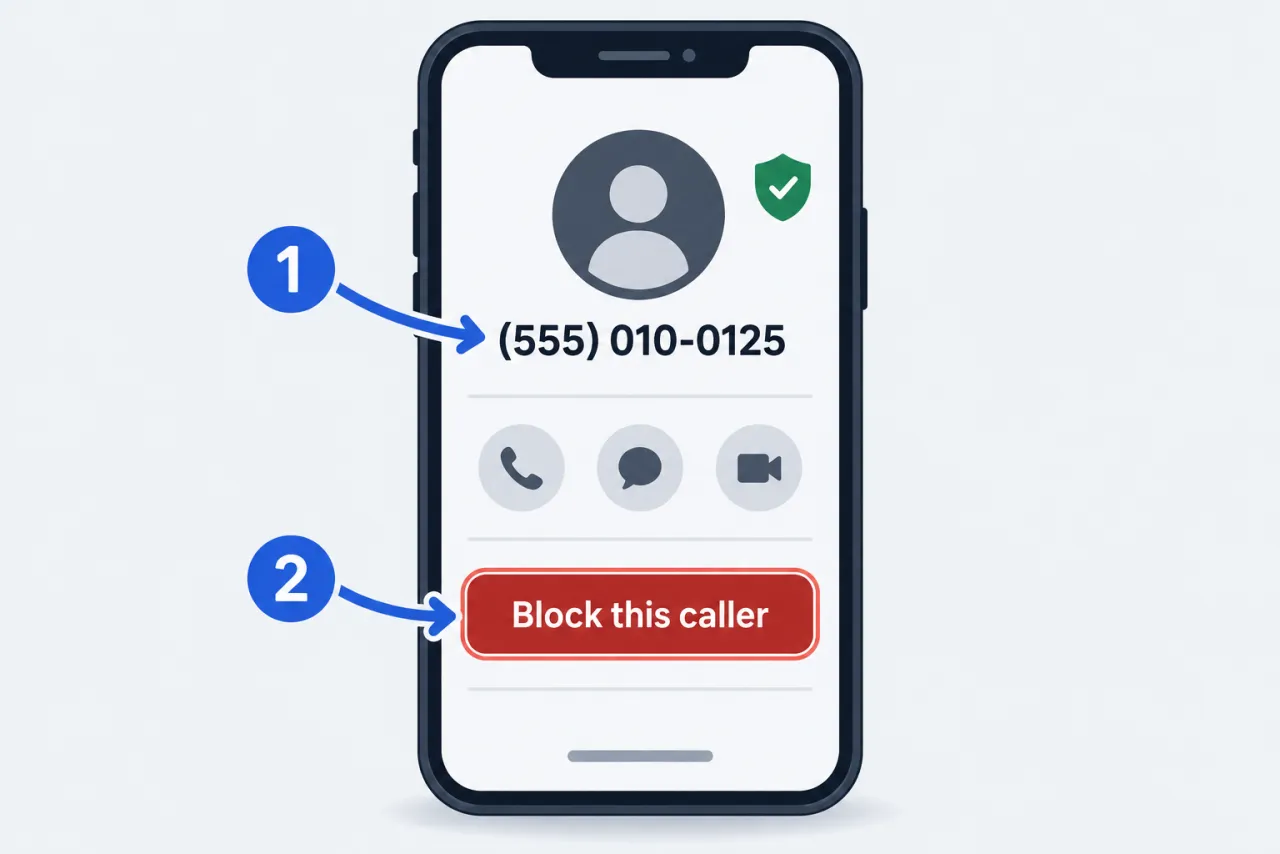
Block a specific number in a few steps
The wording differs by phone, but the path is the same: open the call, then choose block.
Steps vary by OS version and phone maker; Samsung and other Android dialers use their own menu names. Look for caller ID, spam, or blocked numbers if yours differ.
-
Open your recent calls
iPhone: Phone app, Recents. Android: Phone app, Recents or the calls list.
-
Tap the number or contact
From Recents or a contact card; on iPhone you can also add one via Blocked Contacts in settings.
-
Choose block
iPhone: scroll down to Block Caller. Android: tap Block or Report spam.
-
Report it too, if offered
On Android, leave the report-as-spam box checked so the label improves for others.
-
Review your blocked list
Manage or unblock later under Blocked Contacts (iPhone) or Blocked numbers (Android).
See what blocking does and doesn't do →
When blocking one number isn't enough
A block stops one number, but spam callers change numbers and caller ID can be faked.
-
The same scammer keeps calling from new numbers
The FTC warns scammers fake and switch caller ID numbers, so your block list never catches up.
Instead: Turn on Screen Unknown Callers (Silence Unknown Callers on older iOS) or your Android spam filter, and add your carrier's scam blocking on top.
-
A blocked caller still left a voicemail
Apple says a blocked caller can still leave a voicemail; you just get no notification.
Instead: Ignore it, or check the blocked-voicemails area occasionally for anything real.
-
The number showing on caller ID looks local or official
Caller ID is spoofable, so blocking that display number may block a real one later.
Instead: Treat caller ID as unproven; block, but verify a business by a number you look up yourself.
-
The call shows No Caller ID or Unknown
There is no number attached, so there is nothing to add to a block list.
Instead: Turn on Screen Unknown Callers (Silence Unknown Callers on older iOS) or your Android spam filter, and report it at donotcall.gov (or reportfraud.ftc.gov if you lost money); lean on carrier auto-blocking too.
-
You think you blocked the wrong number
A misdialed block hides a caller you actually wanted.
Instead: Open Blocked Contacts on iPhone or Blocked numbers on Android and unblock it.
-
You want to stop most spam, not just one caller
Blocking is one-at-a-time; it can't cover the whole flood of spam.
Instead: Layer phone filters and your carrier's scam blocking; the Do Not Call Registry only curbs legitimate sales calls.
Questions people ask
What happens to a caller after I block their number?
Apple says a blocked caller can still leave a voicemail, but you won't get a notification, and calls and texts won't come through. The blocked person isn't told that the call or message was blocked. On Android, what happens to a blocked caller's voicemail varies by dialer and carrier; check your Phone app's help.
Does blocking a number stop all the spam calls?
No. Blocking stops that one number. The FTC notes scammers spoof and rotate numbers, so a persistent spammer can just call from a new one. Pair blocking with silence-unknown or spam filtering and your carrier's scam-blocking service.
Where do I unblock a number I blocked by mistake?
On iPhone, open your Blocked Contacts list (in your Phone or Privacy settings) and remove it. On Android's Phone by Google app, go to Settings, then Blocked numbers, and unblock it. Menu names vary by OS version and phone maker.
Can blocking a number tell me who was calling?
No. Blocking only stops future calls from that number. It can't reveal who owns a number, and caller ID is not proof of identity because it can be faked. This site helps you block and report calls, not look up a caller's identity.
Does blocking a number also block its texts?
On iPhone, blocking a number or contact also stops its messages and FaceTime calls. On Android, blocked numbers usually apply to both the Phone and Messages apps, but this varies by phone maker and messaging app, so check your Messages settings. Spam texts are covered in our text message guide.