
Scam breakdown
Tech Support Scam Calls: What They Say and Do
Short answer
Tech-support scams start with an unexpected call, text, or a scary pop-up telling you to phone a number. The caller poses as Microsoft, Apple, or your internet provider, then talks you into letting them control your screen or repaying a fake refund. Real companies do not do this. Below is exactly how the scripts run and what to do if you already let someone in.
See how the call unfoldsWe do not run a lookup service and never ask you to install anything or share a screen.
- Defense only
- This guide helps you recognize, block, and report a call, not identify who owns a number.
- Official sources
- The tells come from the FTC guidance at consumer.ftc.gov on tech-support scams.
- No remote control
- Never grant screen or remote access to anyone who called you out of the blue.
How a tech-support scam sounds versus how a real vendor behaves
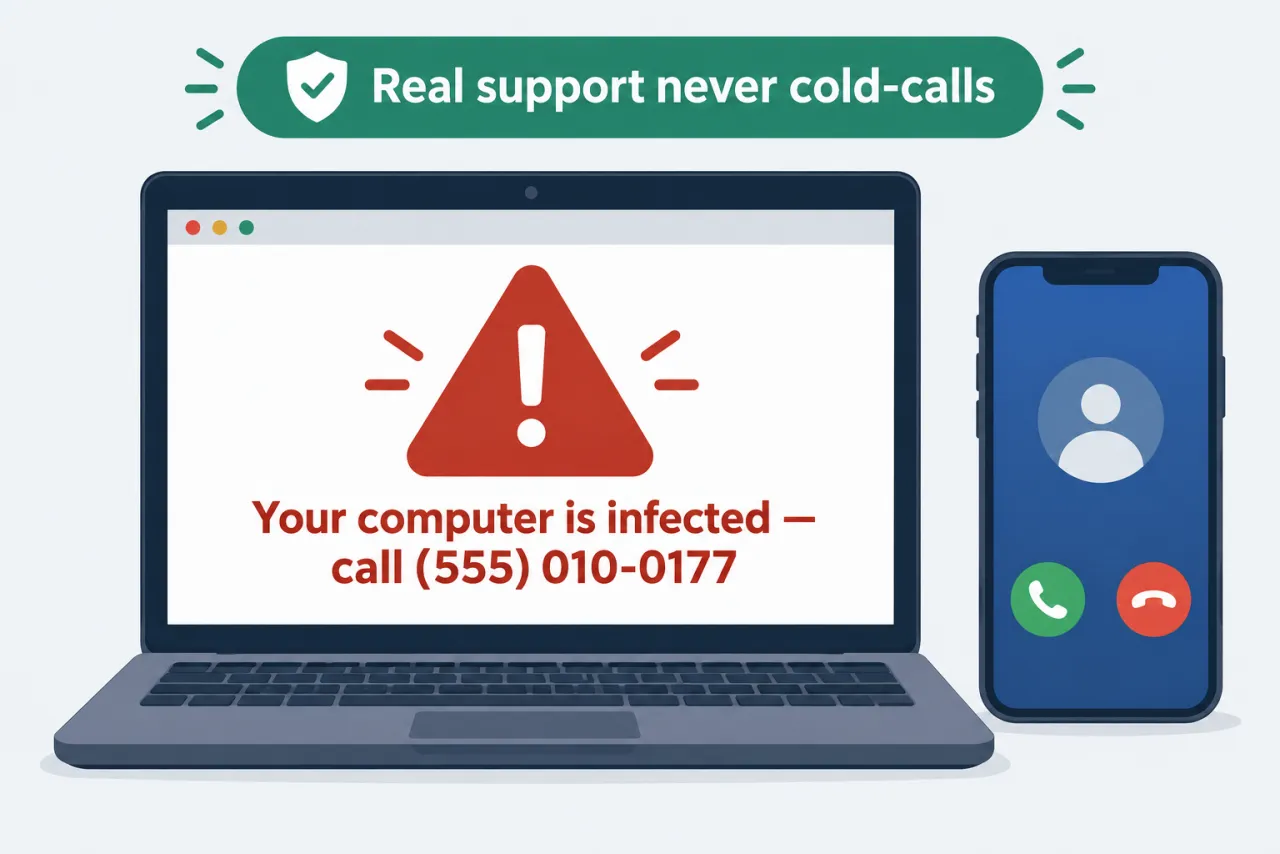
If a call, text, or pop-up says your device is infected and gives a number, it's a scam.
-
“Microsoft or Apple detected a virus on your computer and called to fix it.”
Why it’s fake: The FTC says legitimate tech companies will not contact you by phone, email, or text about a problem with your computer.
-
“A security pop-up warns of infection and tells you to call this number now.”
Why it’s fake: Real security warnings never ask you to call a phone number; the number goes to the scammer.
-
“Let me connect to your screen so I can remove the malware for you.”
Why it’s fake: Remote access lets a stranger see files, banking, and passwords, or plant real malware.
-
“Your subscription auto-renewed, and we refunded you too much, so repay the difference.”
Why it’s fake: The FTC says anyone who insists you pay by gift card, wire, or crypto is a scammer.
-
“Your subscription just renewed for hundreds of dollars; call this number to cancel it.”
Why it’s fake: Fake renewal or charge notices exist to make you call the scammer, so check any charge in your own account instead.
What the real organization does
- A real vendor never asks you to repay a refund or buy gift cards.
- You reach support yourself through the company's official app or help site, on your own timing.
- Genuine support never needs gift cards, wire transfers, or crypto to process a refund.
- If a pop-up scares you, close the browser rather than call the number it shows.
How the refund and remote-access script actually runs
Knowing the stages in advance makes it easy to hang up at the first one.
Starts when: It begins with a pop-up telling you to call, an unexpected text, or a cold call from a fake technician.
-
The hook
What happens: A pop-up, text, or cold call claims a virus, a charge, or an overdue renewal on your device.
✓ You feel alarmed and are urged to call or stay on the line.
-
The access request
What happens: They ask you to install a helper app or open a site so they can control your screen.
✓ You are told to type a code or click Allow to share your screen.
-
The overpayment twist
What happens: While connected, they have you enter bank details, then fake an over-refund and ask you to repay it.
✓ A fake balance or form shows an error meant to look like their mistake.
-
The irreversible payment
What happens: They pressure you to repay in gift cards, wire, or crypto while staying on the call.
✓ The FTC says anyone who insists you pay by gift card, wire, or crypto is a scammer.
-
The safe exit
What happens: You hang up without paying or granting access, then disconnect and check your accounts.
✓ The pressure ends the moment you stop engaging.
Note: There is no real deadline; any claim that you must act this minute is part of the script, not a genuine time limit.
What to do if you already gave a caller access
Each pressured move has a safe path that does not involve the caller.
-
Install the app or read the code the caller gives you
That code or app hands a stranger control of your screen.
Instead: Hang up; if worried, open support from the vendor's official site yourself.
-
Let the caller stay connected to fix the problem
While connected they can see or change anything on your device.
Instead: End the call, then disconnect from the internet and close the remote-access app.
-
Repay the overpayment to make it right
No real refund is ever collected back in gift cards, wire, or crypto.
Instead: Keep your money; no real refund is ever collected back, so tell your bank if you already paid.
-
Assume nothing changed because the call ended
Remote access may have exposed passwords or planted software.
Instead: Change passwords from another device, run a scan, and follow the full recovery order in our guide for after you shared information with a scam caller.
Questions people ask
Will Microsoft or Apple ever call me about a virus on my computer?
No. The FTC states that legitimate tech companies will not contact you by phone, email, or text to say there is a problem with your device, and real security pop-ups never tell you to call a number. Treat any such contact as a scam and hang up.
A pop-up locked my browser and shows a support number. Is my computer really infected?
Almost certainly not. Real security warnings never tell you to call a phone number. Close the browser or tab (force-quit it if it will not close), do not call the number, and run a security scan with software you already trust.
Why do they say they refunded me too much money?
The overpayment story is designed to make you send real money for a refund you never received. The FTC says anyone who insists you pay by gift card, wire transfer, or cryptocurrency is a scammer, and no real company collects a refund back that way.
How do I report a tech-support scam call?
Report it to the FTC at reportfraud.ftc.gov with the phone number, date, and time. You can also file a complaint with the FCC. If you lost money or shared banking details, tell your bank right away.
I called the number from a pop-up but hung up before giving access. Am I safe?
Most likely. If you did not install anything, share your screen, type a code they gave you or pay, they had no way into your device. Close the browser, run a scan with security software you already trust, block the number and report it at ReportFraud.ftc.gov. If you did grant access, follow the steps in the section above.
Official sources
Rules and phone settings change. Check the current page before you act.
- reportfraud.ftc.gov — reportfraud.ftc.gov