
Step-by-step guide
How to Report a Spam or Scam Call to the FTC, the FCC and Your Carrier
Short answer
You don't need to know who called. The FTC, the FCC and your carrier each take reports about calls you received, and each uses them differently. Pick your situation below, gather a few details from your call log, and file with the right place.
Show me the reporting stepsReport only calls you received yourself; we never ask for your number or call log.
- Official channels only
- Every step points to the FTC, the FCC, your carrier or your phone's own settings.
- Honest about results
- We explain what a report feeds, and what it can't do for you.
- Independent
- CallerCheck is not affiliated with any agency, carrier or phone maker.
Report a spam or scam call in five steps
Gather the details once, then file with the channel that fits what happened.
Have your recent calls list open. Report only calls made to your own phone, and describe what happened in your own words. Form wording and app menus change over time and vary by carrier and OS version.
-
Write down the details
Note your number, the caller ID shown, any callback number, and the exact date and time.
-
Pick the FTC form
No money lost: DoNotCall.gov. Money lost or scammer details: ReportFraud.ftc.gov.
-
File with the FCC
At consumercomplaints.fcc.gov choose Phone, then unwanted calls or texts, then all other unwanted calls.
-
Mark it in your phone
Android: tap the call, then Block / Report spam. iPhone: usually through your carrier's call-ID app.
-
Block the number
Block it so that one number stops ringing while your reports do their longer work.
See what happens after you report →
What happens to your report
Reports build a shared picture of illegal callers; they are not a personal case file.
Starts when: You received a spam or scam call on your own phone and have its date, time and number.
-
You file the report
What happens: You submit the FTC form, the FCC complaint, or a spam report in your phone or carrier app.
✓ A confirmation screen or reference number, depending on the form
-
It joins a database
What happens: FTC reports go into Consumer Sentinel, a law-enforcement database; FCC complaints are shared across FCC bureaus.
✓ Nothing further for you to do
-
Patterns get spotted
What happens: The FTC says it shares this data with phone companies and law enforcement to spot patterns.
✓ No individual update is sent about your call
-
Labels and actions follow
What happens: Pooled reports can feed spam labels, blocking and investigations of the callers behind them.
✓ Possibly more similar calls labeled as spam over time; no result is promised.
Note: Neither the FTC nor the FCC resolves individual robocall complaints or stops that specific caller for you, and there is no deadline or promised result. You can report a call whenever you are ready; block the number in the meantime.
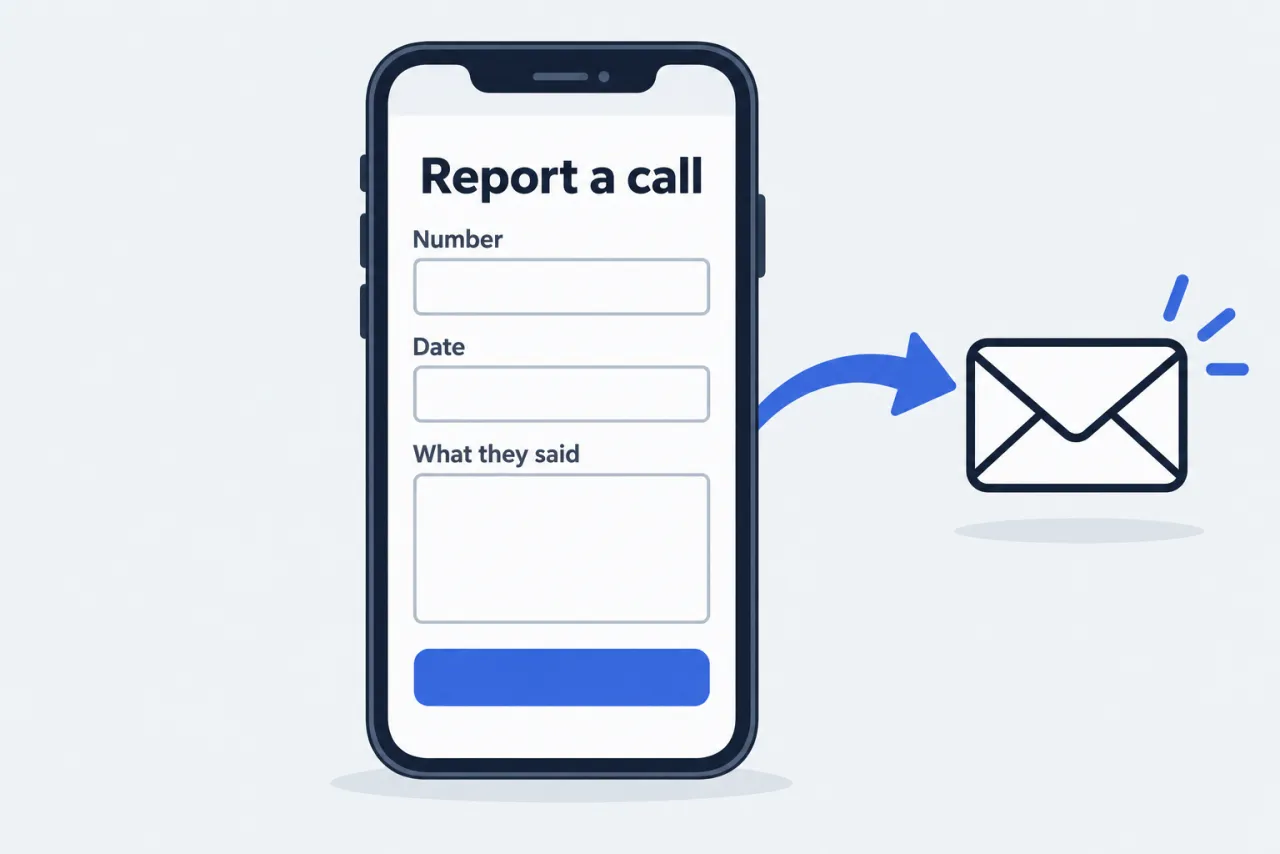
Where to report, at a glance
Each channel does a different job; using more than one is fine.
-
DoNotCall.gov
The FTC's short form for unwanted sales calls and robocalls with no money lost.
-
ReportFraud.ftc.gov
For scams where you lost money, paid, or have the scammer's details.
-
FCC complaint
Unwanted-call complaints at consumercomplaints.fcc.gov, or 1-888-CALL-FCC (1-888-225-5322).
-
Carrier and phone
Your carrier's spam app or your phone's report option helps label similar calls.
Note: Spam texts are reported differently: forward them to 7726 (SPAM) and see our text message guide.
Questions people ask
Will reporting a spam call stop that caller?
Not right away. The FTC and the FCC don't resolve individual robocall complaints. Your report adds to data used to spot patterns, label spam and support enforcement. To stop the number ringing now, block it on your phone.
Should I report to the FTC or the FCC?
You can do both. Use the FTC for the call itself: DoNotCall.gov if you lost nothing, ReportFraud.ftc.gov if you lost money or have the scammer's details. The FCC complaint center also accepts reports about unwanted calls.
What information do I need to report a call?
The number that received the call, the caller ID name or number shown, any callback number the caller gave, and the exact date and time, ideally with time zone. The FCC form also asks whether it was a landline or wireless line.
The caller ID was probably fake. Is it still worth reporting?
Yes. Caller ID can be spoofed, so report what your phone showed and when. Agencies and carriers combine many reports to trace illegal calling campaigns, even when the displayed number is fake. Reporting does not identify the caller for you.
I lost money or shared personal details on the call. Is reporting enough?
No. Contact your bank, card issuer or payment app first, then report at ReportFraud.ftc.gov. Our damage-control guide walks through what to do based on what you shared.