
Step-by-step guide
Stop Spam Calls on iPhone Using Built-In Settings
Short answer
Your iPhone already has the controls to silence, sort, and block unwanted callers. Here is what each one does, where to find it, and the honest trade-off of turning it on.
Set it up in a few stepsThese are settings on your own device; nothing here looks up or unmasks a caller.
- Your device only
- Everything here is a toggle on the phone in your hand, not a lookup service.
- Follows Apple's own steps
- Menu paths track Apple support pages and are hedged for iOS version.
- No caller database
- We do not run or sell a number-lookup database and never promise to name a caller.
The four built-in controls that matter
iPhone gives you four separate tools; they do different jobs and work best combined.
-
Screen unknown callers
Ring normally, ask the caller's reason first, or silence them to voicemail.
-
Call filtering
Sorts missed unknown and suspected-spam calls into their own lists you review later.
-
Block a caller
Stops one persistent known number from calling, texting, or FaceTiming you.
-
Focus schedule
Lets only your contacts ring during hours you set, so nights stay quiet.
Note: Exact menu names vary by iOS version; look in your Phone or Privacy settings.
Turn on spam controls in a few steps
Start by screening unknown callers, then layer filtering, a Focus schedule, and a carrier app.
Menu names vary by iOS version; screening pauses for 24 hours after you call emergency services.
-
Go to Settings > Apps > Phone
On a current iPhone, call controls sit under Settings, Apps, Phone; older iOS uses Settings, Phone.
-
Choose how unknowns are screened
Under Screen Unknown Callers pick Never, Ask Reason for Calling, or Silence; older iOS shows one Silence toggle.
-
Turn on call filtering
Enable the Unknown and Spam filters, then use the Filter button in Recents to review.
-
Quiet hours with Focus
Set a Focus schedule that allows calls from your contacts only.
-
Add your carrier's app
If your carrier offers a call-filtering app, install it to label spam and report numbers.
See the trade-off before you silence unknowns →
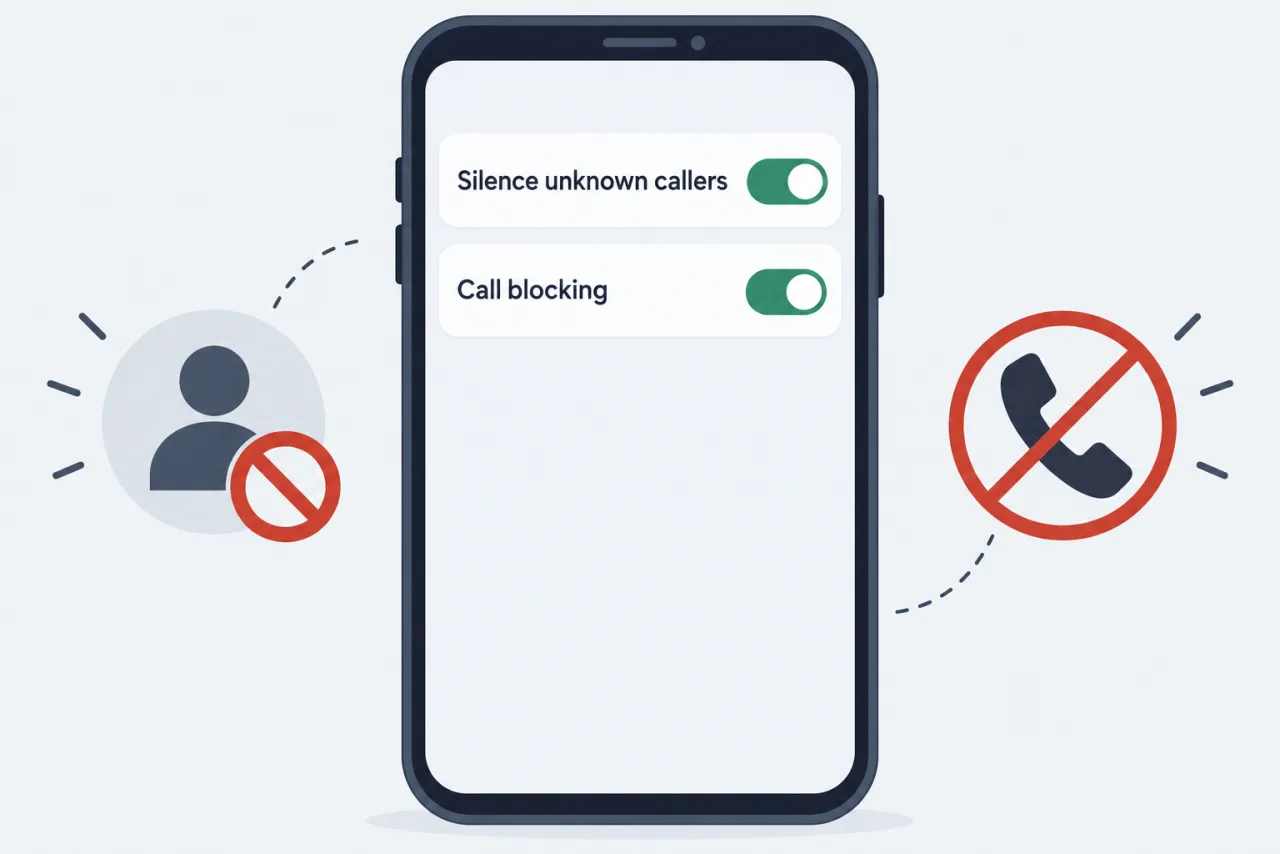
What changes when you silence unknown callers
Silencing unknowns cuts interruptions, but it has a real cost worth knowing first.
Before: every number rings
- Spam and robocalls ring through at any hour.
- Spoofed numbers using your area code look local and get answered.
- Your day is interrupted by callers you do not recognize.
After: unknowns go to voicemail
- Numbers not in your contacts are silenced and sent to voicemail.
- You review missed unknown and spam calls in their filter list on your time.
- A real unknown caller, like a clinic or delivery driver, also lands in voicemail.
Note: Fewer interruptions, but some real callers land in voicemail, so check it.
Questions people ask
Does iPhone have a button to report a spam call?
Not for ordinary phone calls on the iOS versions we reviewed (September 2026); iPhone's Report Junk is for messages. Report a spam call through your carrier's app, or file with the FTC at donotcall.gov (or reportfraud.ftc.gov if you lost money). Which form to use, step by step: How to Report a Spam or Scam Call to the FTC, the FCC and Your Carrier.
Will I miss important calls if I silence unknown callers?
You can. A real caller not saved in your contacts, such as a doctor's office or a delivery driver, goes to voicemail instead of ringing. Check your voicemail and filter list so you do not miss a returned call.
Can an urgent repeat caller still reach me through Focus?
Focus can let some through. When you set up a Focus such as Do Not Disturb, you can turn on Allow Repeated Calls, so a second call from the same number within three minutes rings, and you can give a saved contact Emergency Bypass. Silence Unknown Callers has no such override, so keep checking voicemail. Settings and wording vary by iOS version.
Where do silenced and filtered calls go?
Silenced calls still appear in Recents and can leave a voicemail. With Call Filtering on, missed unknown and suspected-spam calls move to their own lists, reached with the Filter button in your calls list. Nothing is deleted; you review it when it suits you.
Does iOS or CallerCheck tell me who the caller is?
No. These are defense settings for calls you received, not a lookup tool. Subscriber names and addresses behind a personal number are not publicly lookupable, and we never promise to identify a private caller.