
CallerCheck reference
Spam and Scam Call FAQ and Glossary
Short answer
Pick what you are trying to do, look up a term you keep seeing, or read the questions people ask most about unwanted calls.
Find the right guideWe do not run a lookup database, and nothing here asks for the number that called you.
- Plain definitions
- Every term explained in one sentence, without jargon or sales talk.
- Official sources
- Answers follow FTC, FCC, Apple, Google and carrier guidance, reviewed September 2026.
- Defense only
- We help you screen, block and report calls, never find or track a person.
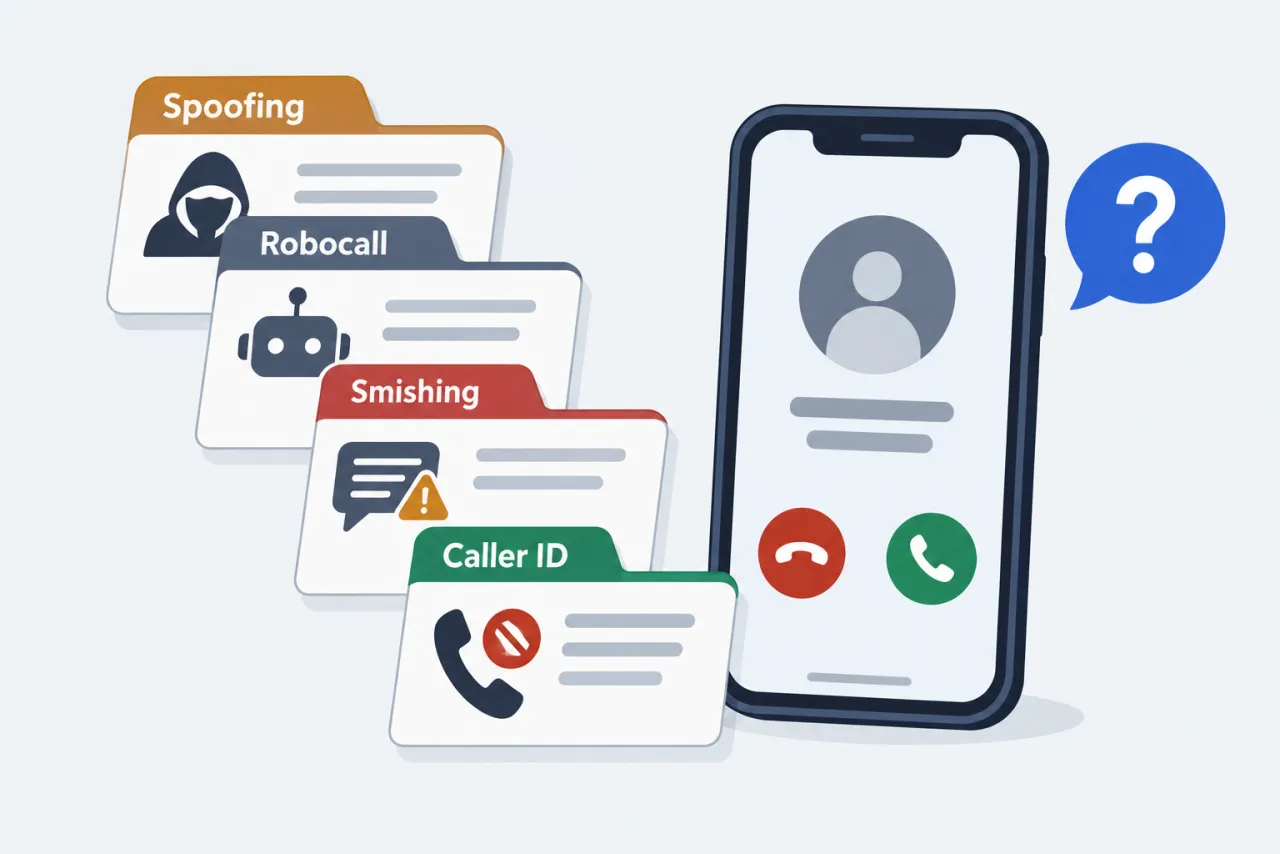
What are you trying to do?
Choose your goal and your phone to go straight to the guide that answers it.
Figure out if a call was spam
-
iPhone
Judge the call, not the caller's identity
Read the number's pattern and the call's behavior to decide whether to answer or call back.
Is it safe to answer? → -
Android
Judge the call, not the caller's identity
Read the number's pattern and the call's behavior to decide whether to answer or call back.
Is it safe to answer? → -
Any phone or not sure
Judge the call, not the caller's identity
Read the number's pattern and the call's behavior to decide whether to answer or call back.
Is it safe to answer? →
Stop a caller from reaching me
-
iPhone
iPhone call screening and blocking
Silence unknown callers, turn on call filtering, and block repeat numbers from Recents.
Stop spam calls on iPhone → -
Android
Android spam filtering and blocking
Turn on caller ID and spam filtering, then block and report from your call history.
Stop spam calls on Android → -
Any phone or not sure
Block one number, then add your carrier's filter
Blocking handles one number; a carrier spam filter catches the rotating ones.
How to block a number →
Report an unwanted call
-
iPhone
Report to the FTC, the FCC or your carrier
Which form fits depends on whether you lost money; reports feed enforcement, not instant blocks.
Report a spam call → -
Android
Report to the FTC, the FCC or your carrier
Which form fits depends on whether you lost money; reports feed enforcement, not instant blocks.
Report a spam call → -
Any phone or not sure
Report to the FTC, the FCC or your carrier
Which form fits depends on whether you lost money; reports feed enforcement, not instant blocks.
Report a spam call →
My own number is being faked
-
iPhone
When strangers say you called them
You cannot switch spoofing off, but you can report it and explain it to people who call back.
My number is being spoofed → -
Android
When strangers say you called them
You cannot switch spoofing off, but you can report it and explain it to people who call back.
My number is being spoofed → -
Any phone or not sure
When strangers say you called them
You cannot switch spoofing off, but you can report it and explain it to people who call back.
My number is being spoofed →
A suspicious text, not a call
-
iPhone
Check the text before you tap anything
Do not tap links or reply; forward spam texts to 7726 and report them.
Is this text a scam? → -
Android
Check the text before you tap anything
Do not tap links or reply; forward spam texts to 7726 and report them.
Is this text a scam? → -
Any phone or not sure
Check the text before you tap anything
Do not tap links or reply; forward spam texts to 7726 and report them.
Is this text a scam? →
Not sure where to start?. Start with the layered checklist: screen unknown calls, filter spam, never engage, then block and report. Open the protection checklist
When this doesn’t apply
- You want to learn who owns any cell number — A number does not reveal a private person's name or address, and we do not offer people-search.
- You want to track or locate the person who called — Reverse lookup cannot do that; for threats, save the call details and contact your local police.
Four beliefs that cost people the most
Common assumptions about spam calls that backfire, and the guide that sets each one straight.
-
Do Not Call stops scammers
It binds only legal telemarketers; the Do Not Call guide explains who ignores it.
-
Blocking stops a spoofer
Spoofers rotate numbers, so the blocking guide pairs blocks with filters and silencing.
-
Pressing 1 removes you
It confirms your line is live; the robocall guide shows what to do instead.
-
Verified means safe
It checks the number, not the caller's honesty; see the caller ID spoofing guide.
Note: Based on FTC and FCC consumer guidance, reviewed September 2026.
Questions people ask
What is the difference between a spam call and a scam call?
Spam is an unwanted and often illegal sales call or robocall; a scam call tries to take your money or personal information. Either way, judge the call before you engage: see the guide to whether a number is safe to answer.
Does STIR/SHAKEN mean spoofed calls have stopped?
No. It checks that a caller ID number was not altered in transit on IP networks, but it does not prove who is calling and does not cover every network. The caller ID spoofing guide explains how fakes still get through.
Why does a name show for some calls but not others?
The name comes from caller-name (CNAM) data, which reflects registered or business names and is not a directory of private people. See the guide to what an unknown number can and cannot tell you.
Can a carrier label like Scam Likely be wrong?
Yes. Carrier labels cut down spam but can occasionally mislabel a real caller, so a trusted contact may still get flagged. See the guide to carrier spam-blocking services.